Introduction
There's a reason people install ad blockers. Most ads feel intrusive, irrelevant, and annoying. They interrupt what you're doing to shout about something you don't care about.
But it doesn't have to be this way.
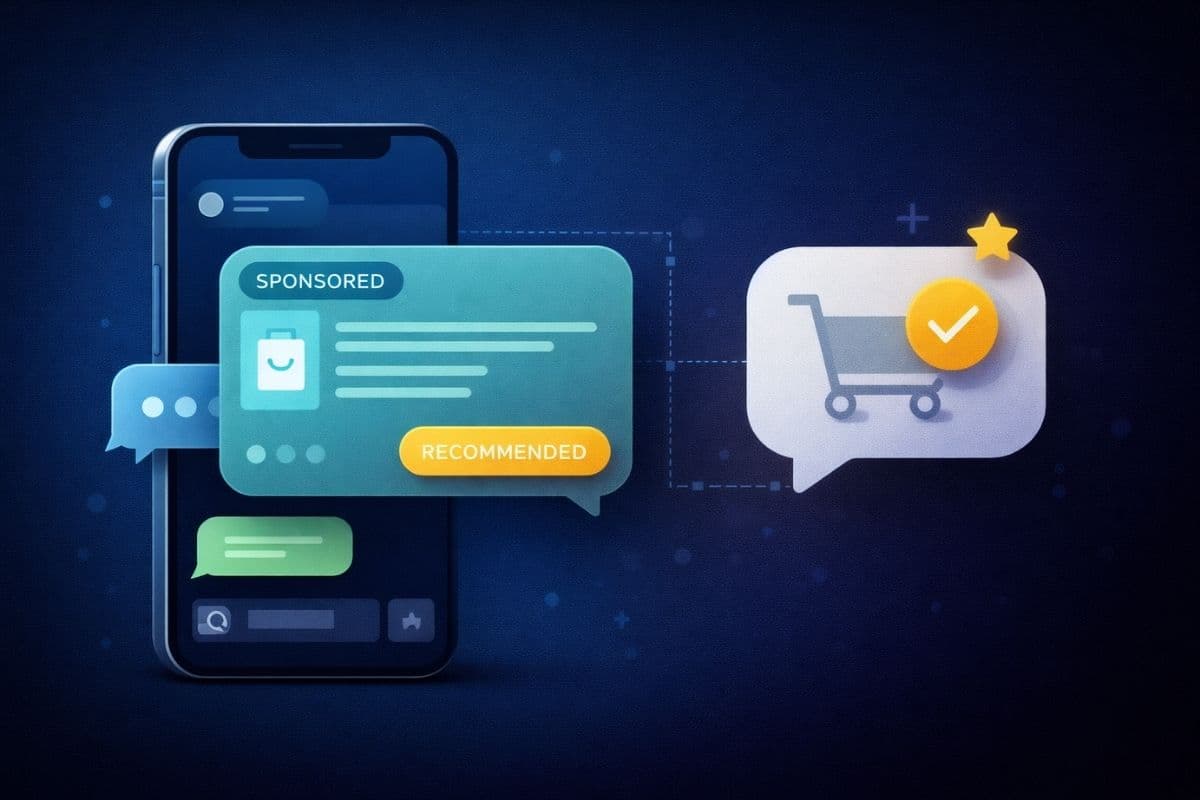
Sponsored recommendations in chat can feel helpful rather than intrusive—if you follow the right UX principles. In this guide, we'll share the design rules that make the difference between an ad users hate and a recommendation users thank you for.
The Core Principle: Be a Helpful Concierge
Think of your chatbot as a knowledgeable concierge, not a billboard. A great concierge:
- Listens to what you actually need
- Suggests relevant options at the right moment
- Respects when you're not interested
- Helps without being pushy
With this mindset, let's dive into the specific UX rules.
Rule #1: Only Show When There's Clear Intent
The #1 rule of non-annoying recommendations: Only show them when the user signals commercial intent.
Good Intent Signals
- "I'm looking for a hotel in Paris"
- "What's a good project management tool?"
- "Can you recommend a laptop under $1000?"
- "Where should I book my flight?"
Bad Timing (No Intent)
- "Tell me a joke"
- "What's the weather like?"
- "How are you today?"
- "Help me write an email"
Implementation
// Good: Clear purchase intent
if (intent.category === 'SHOPPING' && intent.confidence > 0.8) {
  showRecommendation();
}

// Bad: Forcing ads into non-commercial conversations
if (messageCount > 5) {
  showRecommendation(); // DON'T DO THIS
}
Rule #2: Native Design, Not Banner Style
Recommendations should look like part of the conversation, not like foreign advertising elements.
Native (Good) ✅
┌─────────────────────────────────────────┐
│ 🏨 Hotel Le Marais                      │
│ ⭐ 4.8 • From $189/night                │
│                                         │
│ [View Deal →]                           │
└─────────────────────────────────────────┘
- Uses same border radius as chat bubbles
- Matches the app's typography
- Subtle, relevant icon
- Clear but not aggressive CTA
Banner Style (Bad) ❌
╔═══════════════════════════════════════╗
║  🔥 AMAZING DEAL! 50% OFF HOTELS! 🔥  ║
║     CLICK HERE NOW!!!                  ║
╚═══════════════════════════════════════╝
- Screams "I'm an ad!"
- Breaks visual consistency
- Uses manipulative urgency
- All caps = shouting
Rule #3: Transparent Disclosure
Never try to hide that something is sponsored. Users appreciate honesty, and it's often legally required.
Effective Disclosure Patterns
Option A: Subtle label
                              SPONSORED
┌─────────────────────────────────────────┐
│ 🏨 Hotel Le Marais                      │
│ ⭐ 4.8 • From $189/night                │
└─────────────────────────────────────────┘
Option B: Inline mention
Based on your preferences, here's a sponsored recommendation:
[Hotel card]
Option C: Icon indicator
┌─────────────────────────────────────────┐
│ 💼 Hotel Le Marais                      │
│ ⭐ 4.8 • From $189/night    [Sponsored] │
└─────────────────────────────────────────┘
What NOT to Do
- ❌ Hide the sponsored nature entirely
- ❌ Make disclosure text tiny or low-contrast
- ❌ Use confusing terms ("Partner content", "Featured")
Rule #4: Respect Pacing Limits
Nothing destroys trust faster than showing too many recommendations. Set strict pacing rules:
Recommended Limits
- Per session: Maximum 2-3 recommendations
- Cooldown: At least 3-5 messages between recommendations
- User dismissal: If user ignores/dismisses, reduce frequency
Implementation Example
const pacingConfig = {
  maxPerSession: 2,
  minMessagesBetween: 5,
  cooldownAfterDismiss: 10,
  respectUserPreferences: true
};
Rule #5: Make Dismissal Easy and Graceful
Users should be able to dismiss recommendations without friction:
Good Dismissal UX
- One-tap dismiss (X button or swipe)
- No confirmation dialogs
- No guilt-tripping ("Are you sure?")
- Remember preference for session
Example Interaction
[User dismisses hotel recommendation]

Bot: "No problem! Let me know if you'd like
      other suggestions later."

[Don't show hotel recommendations for rest of session]
Rule #6: Add Genuine Value
The best recommendations don't feel like ads because they actually help the user.
Value-Add Examples
Travel context:
- "Here's a hotel that matches your dates and is walking distance to the attractions you mentioned"
Shopping context:
- "This laptop fits your budget and has the specs you asked about, plus it's currently 20% off"
Finance context:
- "Based on the savings goals you described, this account offers 4.5% APY with no minimums"
The Test
Ask yourself: "Would I recommend this even if I wasn't getting paid?"
If the answer is no, don't show it.
Rule #7: Contextual Relevance Over Generic
Generic ads feel like ads. Contextual recommendations feel like help.
Generic (Weak)
User: "I need to book a trip to Paris"
Bot: "Here are some credit card offers!"
     // Loosely related, feels forced
Contextual (Strong)
User: "I need to book a trip to Paris"
Bot: "I found some great options!

      [Hotel in Le Marais - matches your romantic
       getaway criteria you mentioned]"
Rule #8: Animate Thoughtfully
Recommendations should appear smoothly, not jarringly:
Good Animation
- Fade in gently (200-300ms)
- Slide up from below
- Match the chat's scroll behavior
Bad Animation
- Pop in instantly
- Flash or pulse aggressively
- Block other content
CSS Example
.recommendation-card {
  animation: slideUp 0.3s ease-out;
}

@keyframes slideUp {
  from {
    opacity: 0;
    transform: translateY(10px);
  }
  to {
    opacity: 1;
    transform: translateY(0);
  }
}
Rule #9: Mobile-First Design
Most chat happens on mobile. Design for thumbs:
Mobile Considerations
- Touch targets: Minimum 44x44px tap areas
- Readable text: 16px minimum font size
- Single column: No side-by-side layouts
- Thumb zone: Primary actions in easy reach
Card Width
- Mobile: Full width minus padding (100% - 32px)
- Tablet: Max 400px, centered
- Desktop: Max 450px, aligned with chat
Rule #10: Test with Real Users
The ultimate test isn't metrics—it's user sentiment.
What to Measure
- Qualitative: User feedback, NPS scores
- Behavioral: Dismiss rates, repeat engagement
- Quantitative: CTR, CVR, revenue
Red Flags
- High dismiss rate (>50%)
- Negative feedback about "too many ads"
- Users asking how to disable recommendations
- Declining engagement over time
Green Flags
- Users clicking and converting
- Positive feedback about recommendations
- Repeat users engaging with suggestions
- High eRPM with low complaint rate
Putting It Together: A Perfect Recommendation Flow
1. User expresses clear intent
   "I'm looking for a boutique hotel in Barcelona"

2. Bot acknowledges and provides value first
   "Barcelona has amazing boutique options!
    The Gothic Quarter and El Born are especially
    popular for their charm."

3. Recommendation appears naturally
   "Here's one that matches your style:"

   [Native card with SPONSORED label]
   ┌─────────────────────────────────────┐
   │ 🏨 Hotel Neri                       │
   │ ⭐ 4.9 • From $220/night            │
   │ Gothic Quarter • Rooftop terrace    │
   │                                     │
   │ [View Deal →]              Sponsored│
   └─────────────────────────────────────┘

4. User can dismiss or engage
   [If dismissed, respect that choice]
   [If engaged, track conversion]

5. Continue conversation naturally
   "Would you like more options, or can I help
    with something else for your trip?"
Conclusion
Sponsored recommendations don't have to feel like ads. By following these UX rules:
- Show only with clear intent
- Use native, consistent design
- Disclose transparently
- Respect pacing limits
- Make dismissal easy
- Add genuine value
- Be contextually relevant
- Animate thoughtfully
- Design mobile-first
- Test with real users
You can monetize your chatbot while actually improving the user experience—not degrading it.
The best recommendation is one the user thanks you for. That's the standard we should all aim for.
Ready to implement user-friendly monetization? Join our waitlist and see how Sponsy makes it easy.